 Bestseller
📘 Course Description: Basic Computer Course (3 Months)
The Basic Computer Course is a short-term, skill-oriented program designed to provide fundamental knowledge of computers and digital tools. This course is ideal for beginners, students, job seekers, and individuals who want to improve their computer literacy for personal and professional use.
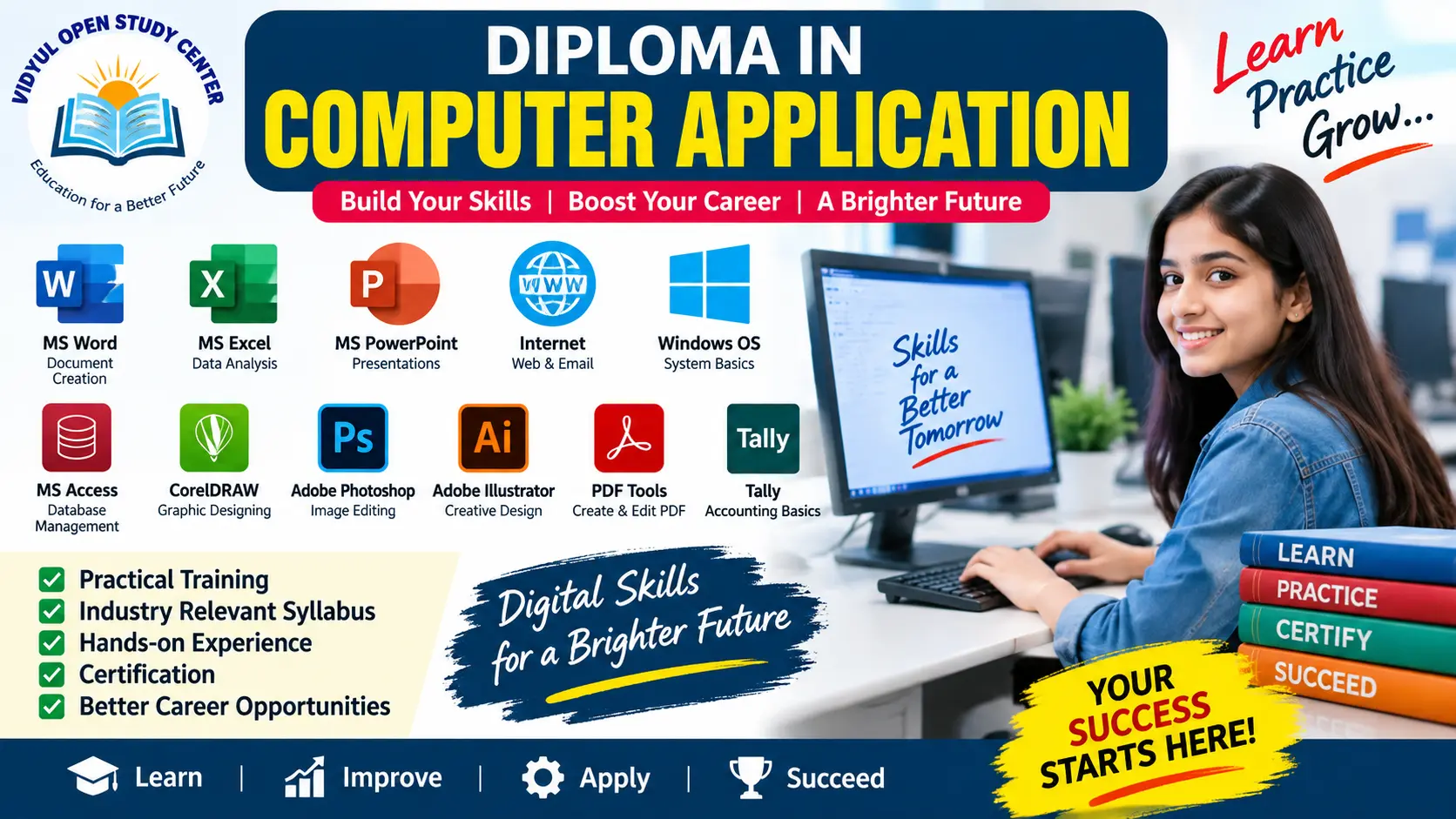
Over a period of three months, learners will gain practical and theoretical understanding of computer operations, including basic hardware and software concepts, operating systems, and essential applications such as MS Word, MS Excel, and MS PowerPoint. The course also introduces internet usage, email communication, and digital services that are widely used in daily life.
This program focuses on hands-on training to ensure that students can confidently perform everyday computer tasks such as typing documents, creating spreadsheets, preparing presentations, browsing the internet, and using online services like email and digital payments.
By the end of the course, learners will be able to:
Understand basic computer concepts and components
Operate a computer system independently
Create and format documents using MS Word
Perform calculations and data management in MS Excel
Design presentations using MS PowerPoint
Use the internet safely and effectively
Send and receive emails professionally
Apply digital skills in real-life situations
This course helps build a strong foundation for further studies in computer applications and enhances employability in various fields such as office work, data entry, and administrative roles.
📘 Basic Computer Course (Duration: 3 Months)
⏳ Course Duration:
Total Duration: 3 Months (12 Weeks)
Classes: 5 Days per Week
Daily Time: 1–2 Hours
📚 Subjects & Syllabus
🖥️ 1. Fundamentals of Computer
Duration: 2 Weeks
Introduction to Computers
Types of Computers
Parts of Computer (Hardware & Software)
Input & Output Devices
Memory (RAM, ROM, Storage Devices)
Booting Process
Uses of Computer in Daily Life
⌨️ 2. Operating System (Windows Basics)
Duration: 2 Weeks
Introduction to Operating System
Basics of Windows
Desktop, Taskbar, Icons
File & Folder Management
Control Panel
Installing/Uninstalling Software
Basic Troubleshooting
📝 3. MS Word (Word Processing)
Duration: 2 Weeks
Introduction to MS Word
Creating & Saving Documents
Editing & Formatting Text
Page Setup
Tables & Images
Print Settings
Resume & Letter Writing
📊 4. MS Excel (Spreadsheet)
Duration: 2 Weeks
Introduction to Excel
Rows, Columns, Cells
Data Entry
Basic Formulas (Sum, Average, Count)
Charts & Graphs
Formatting Sheets
Simple Data Analysis
📽️ 5. MS PowerPoint (Presentation)
Duration: 1 Week
Introduction to PowerPoint
Creating Slides
Slide Design & Layout
Animations & Transitions
Inserting Images, Videos
Presentation Skills
🌐 6. Internet & Email
Duration: 1 Week
Introduction to Internet
Web Browsers (Chrome, Edge)
Search Engines (Google)
Creating Email ID
Sending & Receiving Emails
Attachments & Downloads
Online Safety & Cyber Security Basics
🧾 7. Digital Services & Practical Use
Duration: 1 Week
Online Forms Filling
Digital Payments (UPI, Net Banking Basics)
Government Services (Aadhaar, PAN basics)
Online Job Search
Basic Use of Mobile Apps
🧪 8. Practical & Project Work
Duration: 1 Week
Typing Practice
Create Resume (MS Word)
Excel Sheet (Student Record / Budget)
PowerPoint Presentation
Internet Project
📝 Examination Pattern
✔️ Theory Exam:
25–50 MCQs
Basic Computer Knowledge
✔️ Practical Exam:
MS Word Document
Excel Sheet with Formula
PowerPoint Presentation
Email Sending Task
✔️ Viva (Oral):
Basic Questions on Computer
🎓 Certificate:
Certificate of Completion after passing exam.
Copyright © 2026 DITRP INDIA. All Rights Reserved